

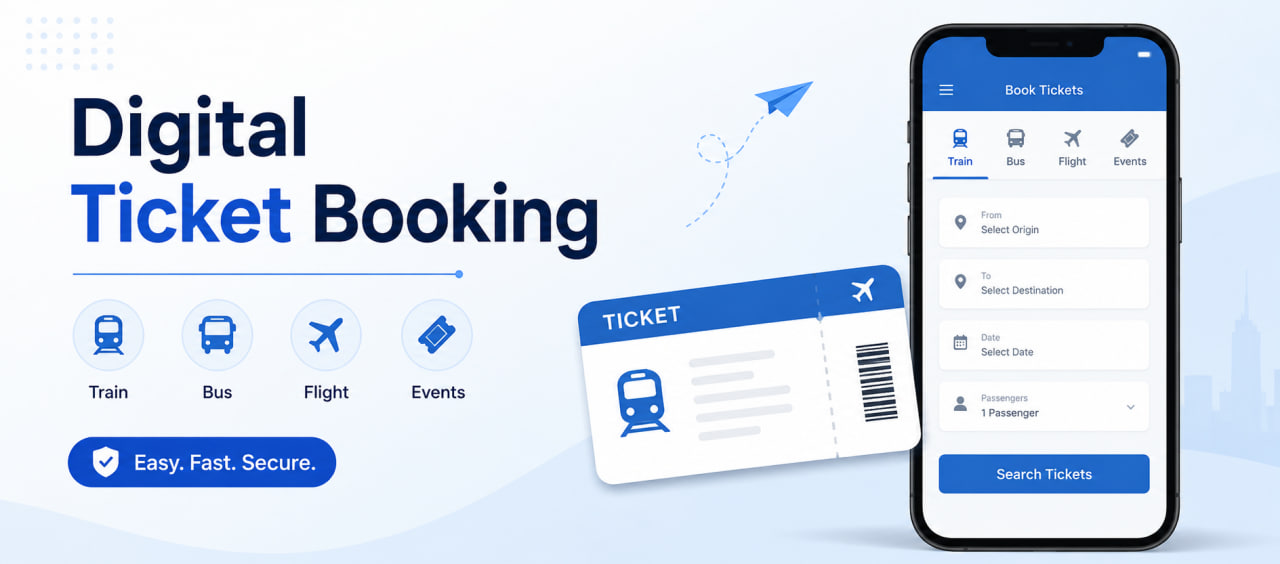
A ticket booking software is a system that manages seat inventory, reservations, and payments in real time.
But in practice, it does something more specific: it ensures that every seat, on every trip, is accurately tracked and sold without conflict across multiple users, channels, and timeframes.
For a transport business, that means:
- A seat shown as available is actually available
- A seat selected by one user is instantly locked for others
- A completed payment always results in a confirmed booking
This level of consistency is what manual systems — or loosely connected tools — typically fail to maintain.
Whether you run buses, trains, or manage a fleet of vehicles, the system should handle real-time availability, prevent double bookings, and process payments seamlessly.
Understanding how it works internally helps you evaluate solutions like Codeware’s ticket booking system with more clarity.
1. The Core Structure: What Powers the System
At its core, a ticket booking system is built on three layers:
i) Frontend (User Interface): Where customers search routes, view schedules, and select seats
ii) Backend (Application Logic): Processes requests, applies business rules, and manages bookings
iii) Database (Inventory Storage): Stores seat availability, schedules, and booking records
These layers are constantly interacting with one another. Every search, click, or booking request moves through this structure before a result is returned.
More advanced platforms often separate these into microservices (inventory, booking, payment), allowing each part to scale without affecting the others.
2. The Booking Flow: Step-by-Step
Every successful booking follows a controlled workflow:
Step 1: Search & Availability Check
When the user enters the route and travel details, the system retrieves real-time seat data from the inventory.
Step 2: Seat Selection & Temporary Lock
When a user selects a seat, it’s temporarily locked, preventing other users from booking the same seat during checkout.
Step 3: Booking Validation
Before proceeding further, the system verifies seat status (to avoid outdated data), fare rules and pricing, and user inputs.
Step 4: Payment Processing
The ticket booking system connects to a payment gateway. If a payment is successful, the booking moves forward. If not, the seat is released automatically.
Step 5: Confirmation & Ticket Generation
Once the booking is confirmed, the seat is marked as “booked” in the database. The system generates a ticket and alerts the customer via SMS, email or passenger app.
3. Preventing Double Booking (Critical Logic)
The system must handle multiple users attempting to book the same seat at the same time.
To manage this, it uses:
- Atomic transactions: Only one request can succeed
- Time-limited seat locks: Reservations expire if the user doesn’t pay within a set window (e.g., 10 minutes).
- Final validation before confirmation: Ensures accuracy at the last step
These controls keep the system reliable under parallel demand.
4. Handling High Demand and Traffic Spikes
During peak booking hours, system load increases sharply, causing delays in availability updates, slower response times, and a higher risk of conflicting booking requests.
To maintain performance normally for scaling businesses, ticketing systems rely on:
- Caching layers: Storing frequent search results so the database doesn’t have to work as hard.
- Load balancing: Spreading traffic across multiple servers so no single point fails.
- Queue systems: Organizing requests in a “first-come, first-served” line during massive surges.
- Scalable services: Expand critical components dynamically
Key Modules of A Digital Ticket Booking System
A complete, modern ticket booking system includes the following modules:
- Inventory Management: Real-time seat tracking of every bus, train, or car seat.
- Booking Engine: The logic that handles the entire reservation lifecycle.
- Payment Integration: Secure gateways for credit cards, mobile wallets, or cash.
- Notification System: Automated ticket and alert delivery
- Admin Panel: Schedule, pricing, and reporting control
- Agent Panel: A role-based interface that allows booking agents to reserve seats, modify bookings, and manage customer transactions
Each module is designed to operate independently while staying synchronized with the rest of the system.
Why Ticket Booking Software Matters for Transport Businesses
Each step in the booking process directly affects operational outcomes. When these steps are handled within a single system, the risk of conflict drops significantly.
An advanced ticket booking system ensures that every transaction follows the same validated path from start to finish. Moreover, rather than fixing issues after they happen, it prevents them, making operations more reliable as demand grows.
Key Takeaway
Ticket booking software is essentially a real-time engine. When availability, booking, and payment stay synchronized, operational errors drop, and scaling becomes predictable and organized rather than messy and chaotic. For transport businesses, that consistency is what enables operations to scale without introducing new points of failure.